Export a Flow to PDF
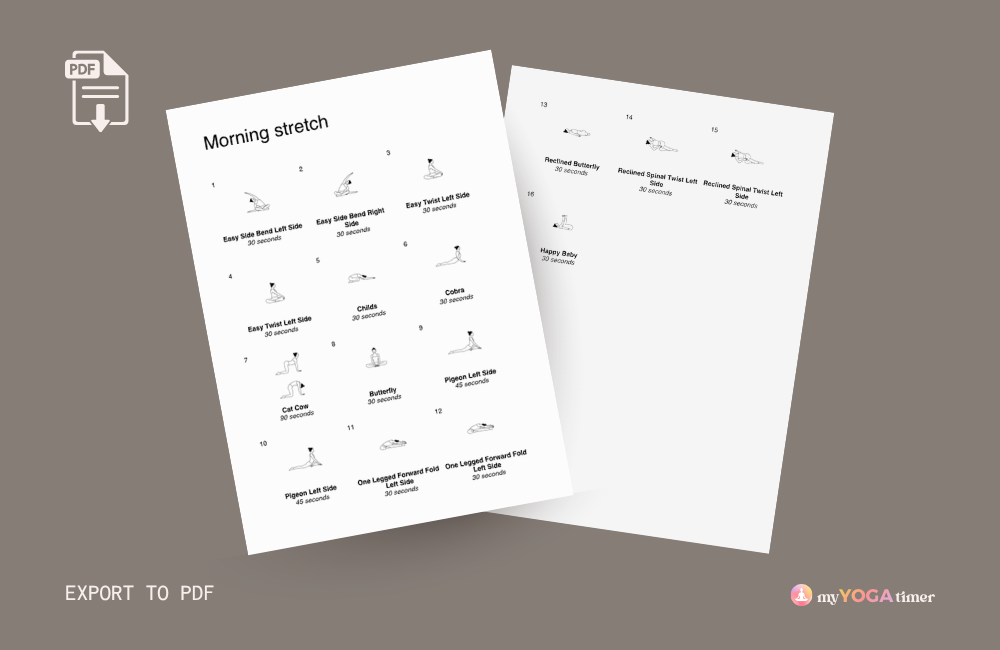
You can export any flow to PDF to print, share, or save as a reference.
How to Export:
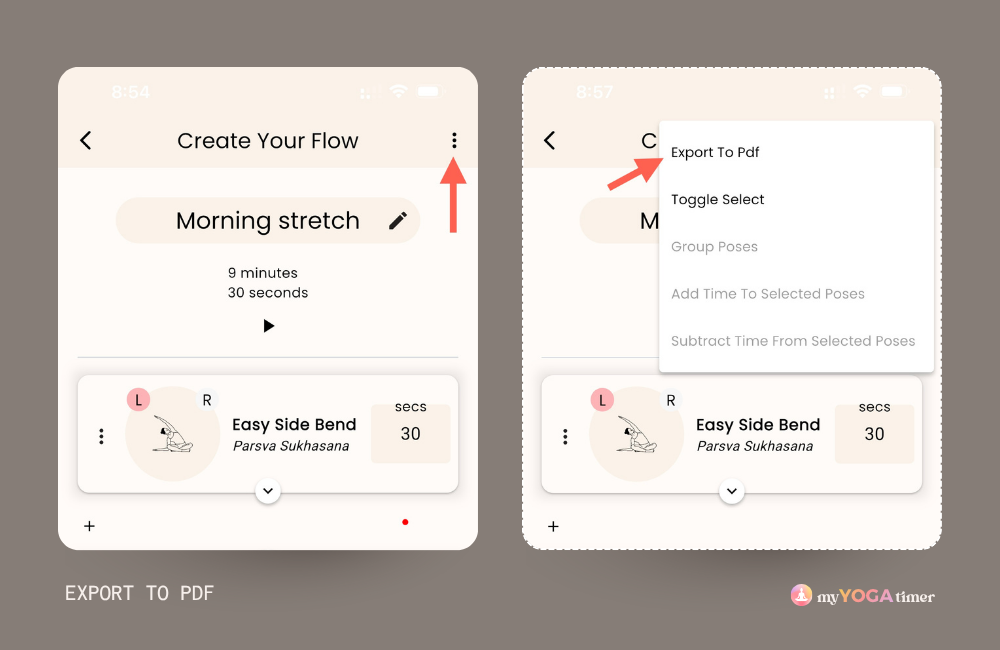
- Open your flow in the Create/Edit screen (either when creating a new flow or editing an existing one)
- Tap the 3-dot menu icon in the top right corner
- Select Export to PDF
- Choose your preferred action from your device's menu (save, share, print, etc.)
Note: The available options will depend on your device and operating system.